

Among Us Red with Devil Horns Character cursor
120Free
Embrace the Dark Side: Unleashing the Among Us Red with Devil Horns Character Cursor
A salad cursor is a computer cursor that is displayed on the screen in a familiar green color, resembling a shade of lettuce. There are many options for cursors that will be used to show the position of the pointing device (mouse) on the monitor screen. A green cursor can be set for muted or colored dyes for greater visibility and differentiation from standard cursors.
Such a choice of a cursor can include individual desktop customization and improved manual computer use.
Install the Cursor Space extension for Chrome or Cursor Space for Edge in your browser.
On this page, click "Add this cursor pack to the extension".
Open the extension and go to the Packs tab.
Find the custom cursor pack "Light Green Cursor" and click it.
Enjoy!
Get this cursor pack and thousands of others by installing our extension. It's fast and free!
Light Green Cursor is a themed cursor pack you can add to your browser to personalize your pointer across common cursor states (default and pointer). Use it for everyday browsing, streaming, studying, or gaming-anywhere you want your cursor to match your vibe.
See how the cursors look before installing.
Add the pack to the extension in a few clicks.
Designed for Chrome and Edge via the extension.
Quick answers to common questions about cursor packs, collections, and installation.
Yes. To apply cursor packs in Chrome or Edge, install the Cursor Space extension and add this pack to it.
Cursor packs are designed for Chromium browsers like Chrome and Microsoft Edge.
Open the extension, choose another pack or disable the current one to return to your default cursor.
Custom cursor and packs - neon, anime, pixel art. Quickly add to Chrome and Microsoft Edge for free
Embrace the Dark Side: Unleashing the Among Us Red with Devil Horns Character Cursor

Experience the captivating Ms. Chalice custom cursor for Google Chrome. Inspired by the Cuphead game, this unique custom cursor brings Ms. Chalice to life in stunning detail

Funny Poo pointer for mouse and a funny paper cursor that was created in Japanese kawaii style.
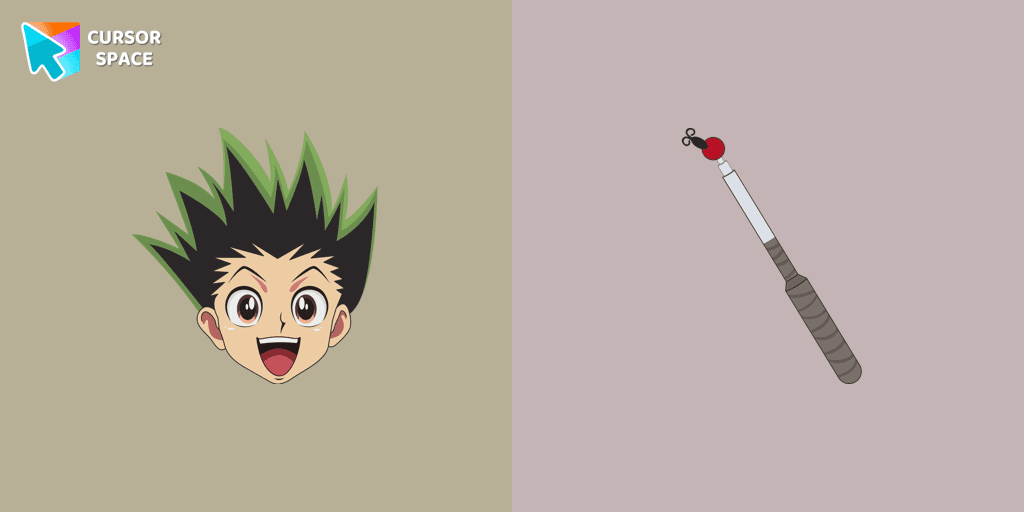
Сustom cursor with Gon Freecss includes a mouse cursor in the form of a fishing rod and a hover pointer with Gon Freecss.

XXXTENTACION cursor you can use as a custom cursor for mouse and pointer from our Rappers custom cursors collection for Chrome.
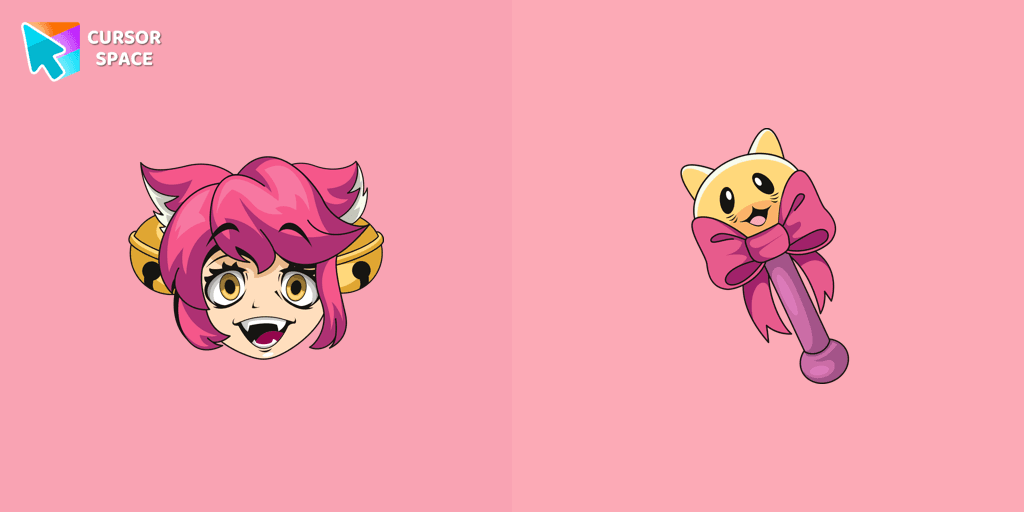
Lovely Mad Mew Mew as a custom cursor for mouse and pointer is presented in our Undertale and Deltarune custom cursors collection for Chrome.

A cute cursor with a fruit ice cream will decorate your browsing the web with smiley ice cream. Enjoy our custom cursors collection with funny desserts.
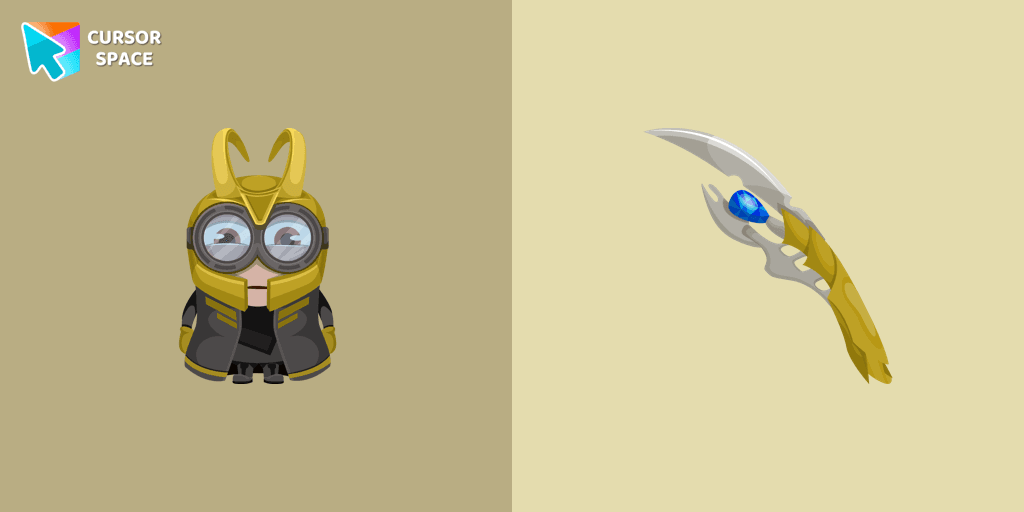
There is a custom cursor with a unique scepter and a Minion Loki as a hover in a set of Minion's custom cursors for Chrome.

The maroon custom cursor for chrome is well-designed in the best cute traditional for out the cutest custom cursors collection for Chrome.
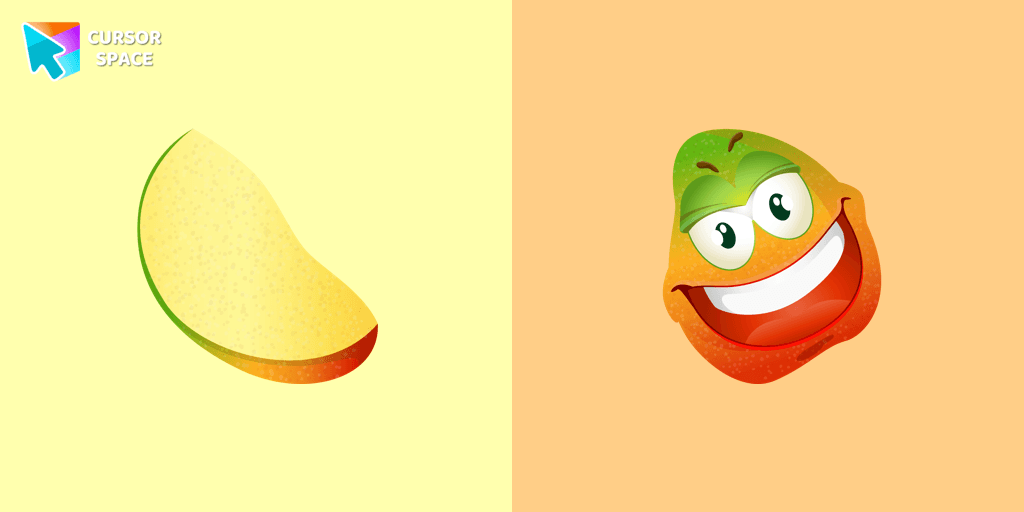
Merry mango cursor for mouse and pointer adds a fun mood to your everyday browsing the web. Funny fruits custom cursors collection for Chrome and its cursor with mango is here!
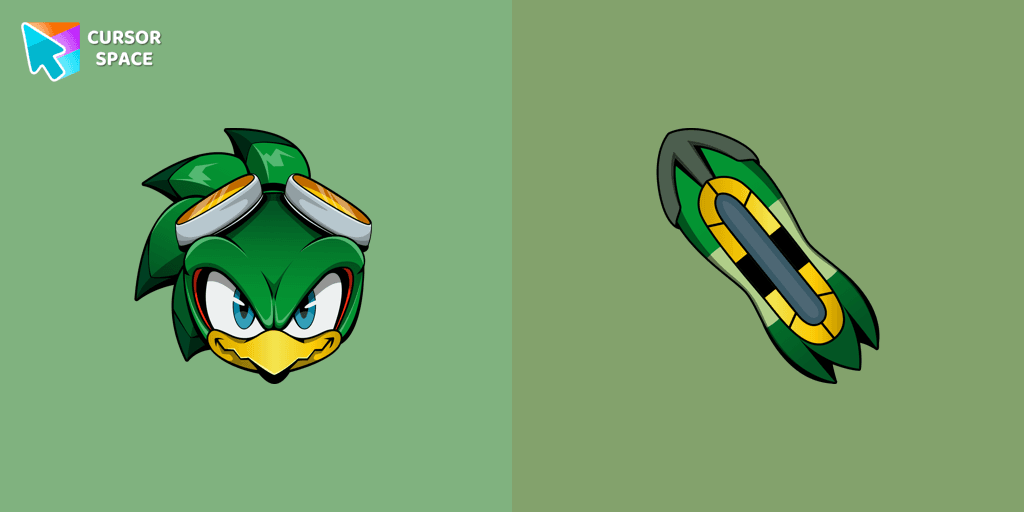
Jet the Hawk cursor and pointer in our cute custom cursors collection with Sonic the Hedgehog.
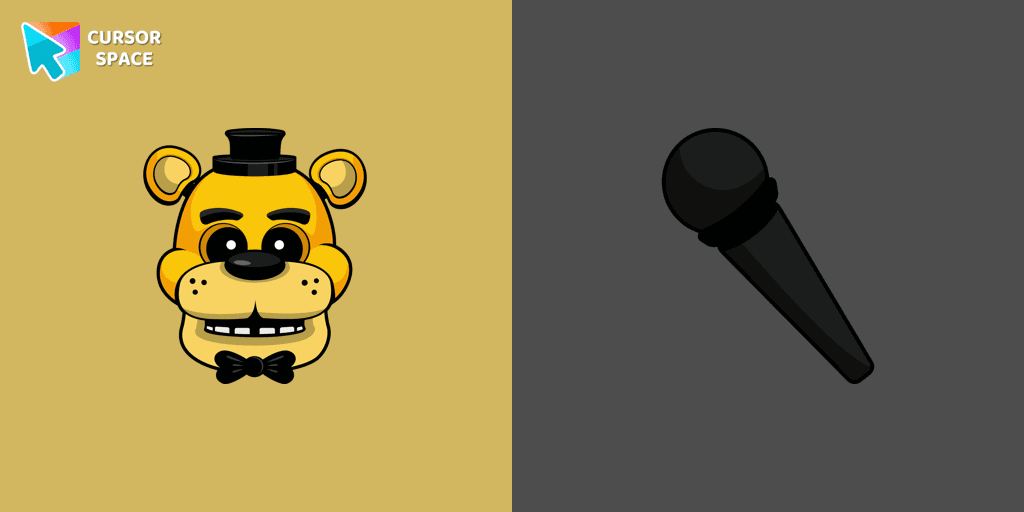
In our custom cursors collection Five Nights at Freddy's, we have illustrated a Golden Freddy as a custom cursor for the browser in a nice art.
Installation leaders from "Colorful Custom Cursors": free packs, neon/anime/pixel art, quick add to Chrome and Edge.

Enhance your browsing experience with the Custom Mint Cursor, a calming personalized cursor symbolizing harmony, renewal, and inner balance.

Improve your browsing experience with this playful custom cursor that turns your pointer into a cheerful Santa Claus, adding a festive touch. Embrace the holiday spirit!

Enhance your desktop with the "Empty Butterfly Green" custom cursor set. Experience vibrant butterfly designs that bring a unique flair to your screen.

Elevate your browsing experience with a purple custom cursor, infusing your screen with a sense of mystery, creativity, and uniqueness.

Illuminate your screen with a vibrant, energetic custom cursor in orange. Boost creativity, capture attention, and enhance your browsing experience!

Immerse yourself in the dynamic realm of comics with our animated comic custom cursor, which brings visual storytelling to your screen and enriches your browsing experience with every move!

Replaces default cursor with Blue Cursor cute. Change the usual mouse to an amazing cute Blue Cursor cursors or download cursor

Enhance your Chrome browsing with Custom Cursor Space, a sleek purple cursor crafted to complement your style and elevate your online experience.

Upgrade your workspace with the Custom Green Minimal Cursor, a simple yet striking design symbolizing harmony, freshness, and positivity.

Upgrade your computer's interface with a stylish burgundy custom cursor, adding elegance, sophistication, and a personal touch to your browsing experience.
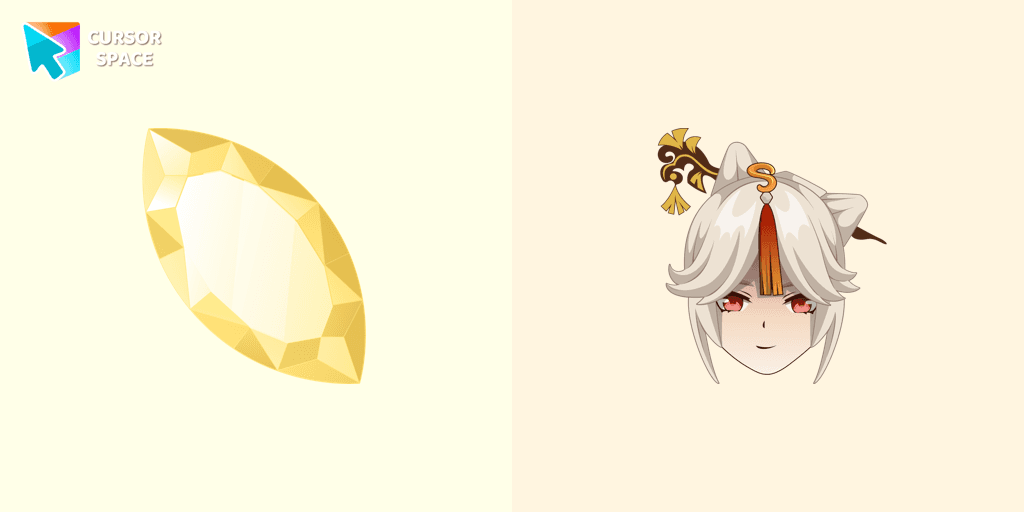
Enhance your pointer with the Ningguang custom cursor. This captivating gem elevates your browsing experience with elegance, making every click a masterpiece!

Replace the standard cursor with an adorable Black one. Transform the ordinary mouse into a stunningly adorable Black cursor or download a cursor of your choice.
Add packs instantly and unlock access to thousands of cursors: neon, anime, pixel-art, and more. Fast, safe, and free.
Cursor Space is an extension for changing your mouse cursor in Chrome and Edge browsers: themed collections, HiDPI icons, neon, animated, and pixel cursors, with quick installation.